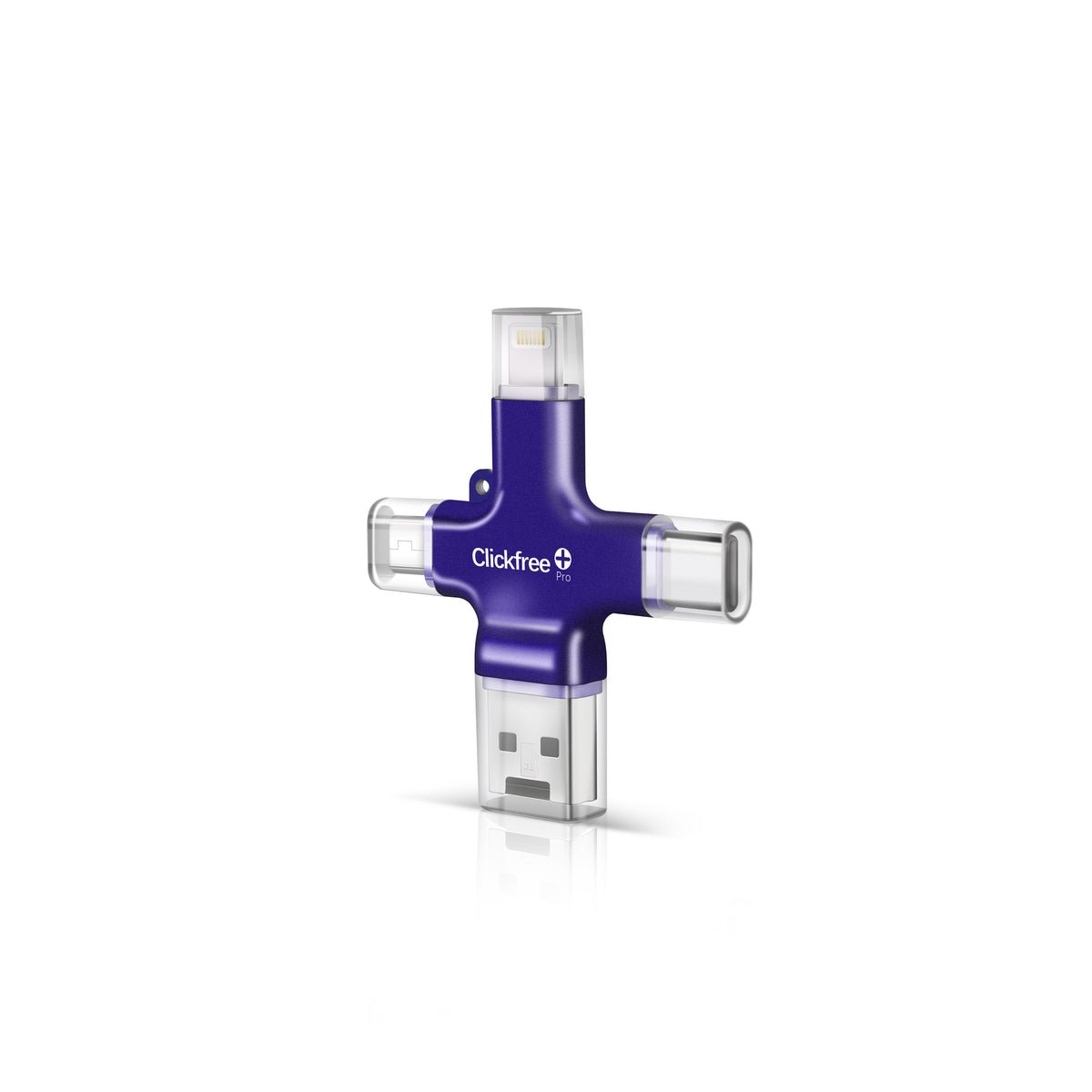
Clickfree Pro is one of the most popular tech gifts for parents and grandparents, which makes the holiday season the busiest time of year for it. Black Friday 2026 is Friday, November 27 and Cyber Monday is November 30. Here’s how to get the best price, pick the right size, and make sure your gift actually gets used.
Will Clickfree have a Black Friday sale?
Consumer tech brands commonly run promotions around Black Friday and Cyber Monday. We’ll update this page with any confirmed promotion. Until then, the official product page shows the current price, stock levels for each capacity, and any active discount.
At the time of writing, Clickfree’s site listed the 128GB Clickfree Pro at $199.99, with some other capacities showing as sold out. Stock can change quickly during the holidays, so if a capacity you want is available, it may be worth buying early.

Which capacity should you buy?
Clickfree estimates the 128GB model holds about 30,000 photos or around 13 hours of video. To choose a size:
- On the phone you’ll back up, go to Settings > General > iPhone Storage (iPhone) or Settings > Storage (Android).
- Look at how much space Photos uses.
- Choose a capacity at least 1.5 to 2 times larger, so there’s room to grow.
- If the person shoots lots of video, size up — video files are much larger than photos.
Buying for a whole family? One device can back up several phones if it has enough capacity, thanks to built-in Lightning, USB-C and Micro-USB connectors.
How to get the best price
- Buy from the official store to get the advertised warranty, return window and support.
- Compare capacities by cost per gigabyte — larger sizes often give better value.
- Check shipping times if it’s a gift. Clickfree’s site advertised free US shipping at the time of writing.
- Watch for bundles such as gift tins or memory books during holiday promotions.
- Be wary of lookalike stores with unusually low prices.
Why Clickfree Pro makes a great gift
- It’s simple: plug it in, open the app, tap “Backup All.”
- No subscriptions: no monthly cloud fees to manage.
- Works with most phones: iPhone, Android, plus Mac and PC.
- Frees up storage: perfect for anyone who sees “Storage Full” warnings.
- Peace of mind: a physical copy of irreplaceable family photos.
Read our full Clickfree Pro review for the pros and cons, and our gifts for grandparents guide for more ideas.
Set it up before you gift it
The best way to make sure a tech gift gets used is to help with the first backup. If you’ll see the recipient over the holidays:
- Install the free Clickfree app on their phone ahead of time.
- Set the phone’s Auto-Lock to “Never” during the first backup, as Clickfree recommends for large libraries.
- Keep the phone charged and let the first backup finish completely.
- Show them how to view the backed-up photos in the app.
- Set a monthly calendar reminder on their phone to back up again.
Returns and warranty
Clickfree advertises 30-day returns and a 1-year limited warranty. If it’s a gift, note that the 30-day window may begin before the holiday, so open and test it in time or check the current holiday return terms.
Frequently asked questions
When is Black Friday 2026?
Black Friday is Friday, November 27, 2026, and Cyber Monday is Monday, November 30, 2026.
Is Clickfree Pro worth it at full price?
For people who find cloud backups confusing or don’t want a subscription, many owners find it worthwhile. Compare it with alternatives in our guide on backing up iPhone photos without iCloud.
Does Clickfree Pro work with the newest iPhones?
Yes. It has a built-in USB-C connector for newer iPhones and Lightning for older models, and supports iOS 13 or later on iPhone 6s and newer.
